Appearance
Saved queries
Saved queries, at the top of the rail, are the queries you keep by name, to open, change and run again whenever you like.
The list is in order of name, and each name shows how long ago the query changed. Click a name to open it in the editor. ⌘-click (Ctrl+click) opens it in a new tab. New at the top starts an empty query.
Saving
Press Save, or ⌘S (Ctrl+S) anywhere on the page. A query you have not saved before asks for its name first.
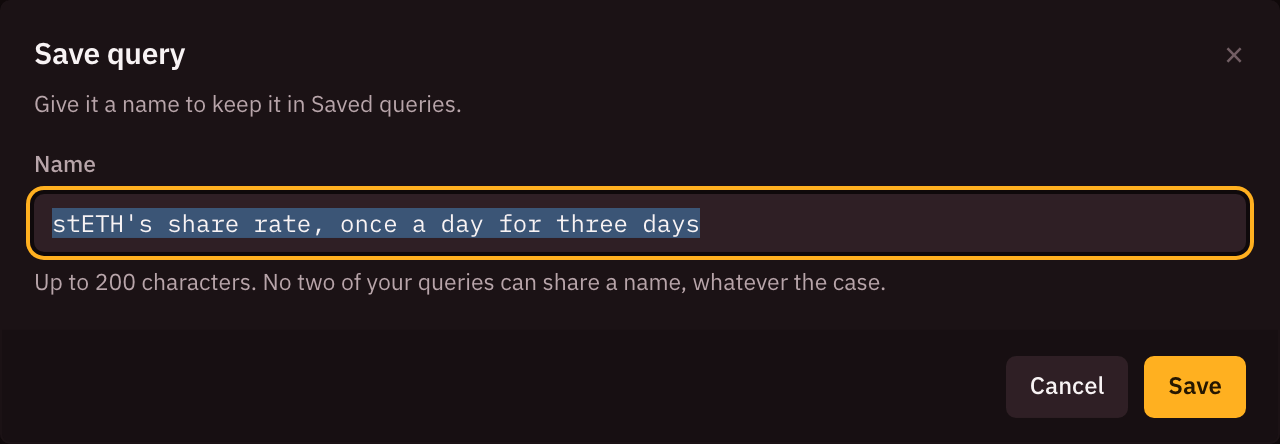
When the query's first line is a comment, the workbench fills in the name from that line. So for a query that opens with // Daily share rate, it suggests "Daily share rate". A name:
- Is at most 200 characters, on one line.
- Is yours alone. No two of your queries can share a name, whatever the case, so "Daily" and "daily" are the same name.
After you save a query, its name is on the run bar. A dot ● beside the name means the editor holds changes since the last save. Save saves them. With nothing changed, it has nothing to do.
Save as…, or ⇧⌘S (Ctrl+Shift+S), saves the editor's text under a new name and opens that query. The first query stays as you last saved it. Save as… suggests the first query's name with "copy" after it.
A saved query's address
A saved query lives at /q/…. A link to it opens the query, with its text in the editor and its latest run in the Results tab. Running it moves the address to /q/…?run=…, which shows that run of it. Bookmark that address, and it opens the same rows later without running anything again. Renaming the query changes nothing in either address: a link points at the query, not its name.
Rename, duplicate, delete
Hover a saved query and press ⋯ beside it for what else you can do with it.

- Rename… gives it a new name, under the same rules.
- Duplicate saves a copy of it, as it was last saved.
- Delete… asks first, then deletes it from Saved queries for good. Its runs stay: their results and links keep working. If the query is open in the editor, the editor keeps its text, as an untitled query.
Two tabs, one query
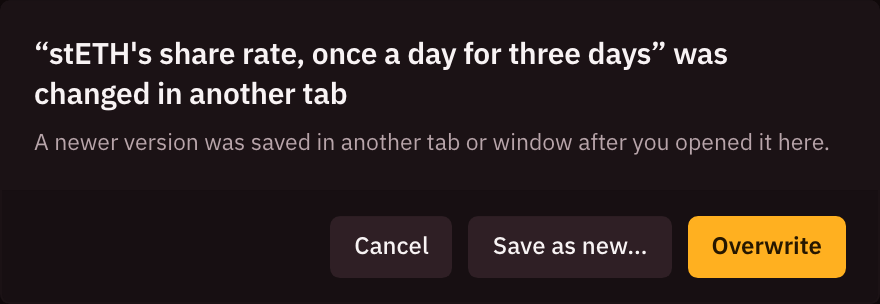
If you change a saved query in two tabs and save in one, a save in the other tab asks what to do. It does not overwrite the first save.
See also
- Recent runs — the queries you ran, saved or not.